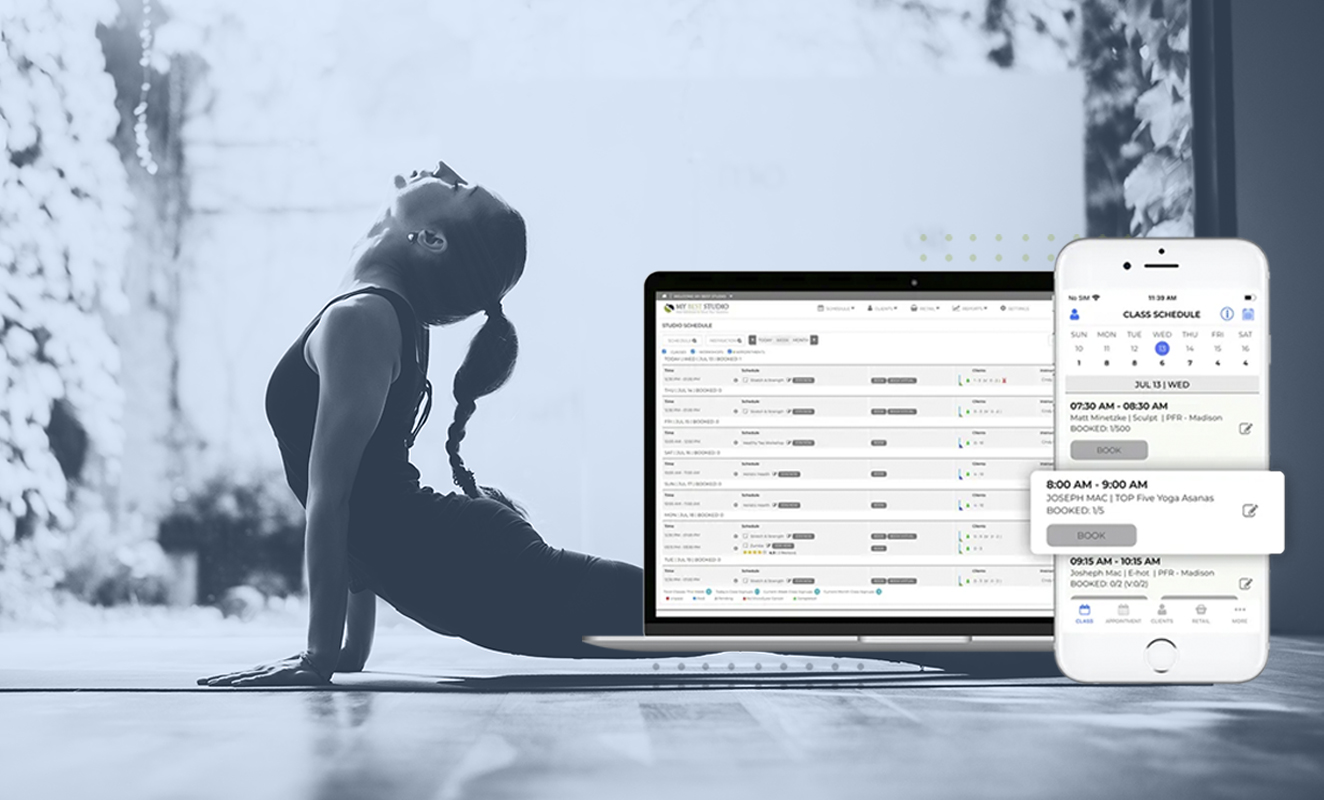
Choosing yoga studio software is easier when you evaluate every platform against the same criteria. Before signing a contract, check pricing transparency, total cost of ownership, automated cancellation policies, recurring class scheduling, automated waitlists, custom-branded mobile apps, family memberships, integrated payment processing, mobile booking experience, real-time reporting, customer support, digital waivers, staff management, marketing automation, and data ownership. These 15 factors determine whether your software saves time, improves member experience, and supports long-term business growth, or becomes another expensive system you’ll eventually replace.
Whether you’re opening your first yoga studio, replacing an expensive platform, or trying to consolidate multiple tools into one, this checklist will help you compare software objectively. Instead of focusing on flashy features or marketing claims, you’ll know exactly which questions to ask before making your decision.
Who This Guide Is For
This guide is designed for:
- Studio owners researching yoga studio software for the first time
- Studios looking to replace expensive legacy systems
- Businesses currently using multiple disconnected tools like Calendly, Stripe, Mailchimp, and spreadsheets
- Multi-location yoga studios planning to scale
- Studio managers who want a structured framework for comparing vendors
Instead of recommending one platform outright, this guide breaks down the features that actually matter and the checklist to weigh any platform against.
By the end, you will know which features are worth paying for and which ones are just marketing buzzwords.
1. Pricing Transparency: Look Beyond the Starting Price
Pricing is often the first thing studio owners compare, but the advertised monthly fee rarely tells the whole story. Many yoga studio software providers use tiered pricing models where essential features are concealed behind higher plans. What looks affordable today can become significantly more expensive as your studio grows.
When evaluating software, ask whether pricing increases as you add members, instructors, locations, or classes. Some vendors charge separately for mobile apps, advanced reporting, marketing tools, or customer support.
Instead of asking the monthly price, ask:
- Is pricing flat or tiered?
- Which features require upgrades?
- Are there limits on members or bookings?
- Will pricing increase as my business grows?
Flat pricing makes budgeting predictable and ensures your software supports growth rather than penalizing it. The goal is to choose a platform whose costs remain easy to understand, even as your studio expands.
2. Understand the Total Cost of Ownership
Software costs extend far beyond the monthly subscription. Many studio owners discover additional expenses only after implementation, making their “affordable” software much more expensive than expected.
Common hidden costs include:
- One-time onboarding fees
- Data migration charges
- Mobile app fees
- SMS credits
- Payment processing markups
- Premium support plans
- Reporting add-ons
- Extra staff accounts
- Training sessions
Ask every vendor to provide a complete written estimate covering your first year of ownership, not just the subscription price. This gives you a clear comparison and helps eliminate surprises after signing.
Remember that switching software takes time and effort. Choosing the cheapest option today may cost more in the long run if you’re compelled to replace it in a year or two.
3. Automated Cancellation Policy Enforcement
Late cancellations and no-shows are among the biggest operational challenges for yoga studios. Without clear automation, staff members are forced to manually enforce policies, creating inconsistent experiences for members and uncomfortable conversations at the front desk.
Good yoga studio software should automatically apply the cancellation rules you define.
For example, you should be able to configure rules such as:
- Free cancellation up to 12 hours before class
- Automatic late cancellation fee afterward
- Membership deduction for missed sessions
- Instructor notification when attendance changes
Automation removes subjectivity from policy enforcement. Every member is treated consistently, staff spend less time resolving disputes, and instructors receive more accurate attendance information.
During product demos, ask vendors to show exactly how cancellation policies are configured.
4. Recurring Class Scheduling Should Save Hours Every Month
Yoga studios rarely create schedules one class at a time. Most classes repeat weekly for months, with occasional instructor substitutions or holiday adjustments.
Your software should make recurring scheduling effortless.
Look for features that allow you to create recurring weekly schedules, duplicate schedules, and pause classes during holidays. The tool should let you replace an instructor for a single session and edit one occurrence without changing the future classes.
Without these capabilities, administrators end up manually editing calendars every week, increasing the risk of scheduling errors.
As your studio grows, efficient scheduling becomes more valuable than flashy features. Saving just a few minutes on each recurring class quickly adds up to dozens of administrative hours every month.
5. Automated Waitlists Keep Classes Full
Popular yoga classes often reach capacity quickly, but cancellations are inevitable. Without automated waitlists, those empty spots frequently remain unfilled, resulting in lost revenue and frustrated members who wanted to attend.
A modern yoga studio management system should efficiently manage the ‘waitlist’ operations. Once someone cancels, the next eligible member should be instantly notified according to the live waitlist.
The entire process should happen without anyone making phone calls, sending manual emails, or updating spreadsheets.
Automation benefits everyone involved. Members have a fair opportunity to secure a place in high-demand classes, instructors maintain healthier attendance levels, and staff spend less time managing last-minute scheduling changes.
When comparing platforms, ask vendors whether notifications happen automatically or require manual approval from administrators. That difference can determine how much time your team spends managing fully booked classes.
6. Offer a Custom-Branded Mobile App
Your members choose your studio because of the experience you provide. That experience shouldn’t disappear the moment they open an app. Many software providers require clients to book through a generic marketplace app where your studio competes for attention alongside hundreds of others.
A custom-branded mobile app keeps your studio front and center. Your logo, colors, and branding create a consistent experience from booking a class to purchasing memberships or checking schedules. It also strengthens brand recognition and reinforces member loyalty every time someone opens the app.
When comparing software providers, ask:
- Is the app published under my studio’s name?
- Will my logo appear in the App Store and Google Play?
- Can members book, pay, and manage memberships without leaving the app?
- Will they see competitors’ studios?
A branded app is about owning your customer relationship instead of sharing it with a software vendor.
7. Make Sure the Software Supports Family and Shared Memberships
Many yoga studios serve more than individual members. Parents register children for kids’ yoga, couples attend classes together, and families purchase shared memberships. If your software only supports one person per account, your staff will spend unnecessary time managing duplicate records and workarounds.
Look for software that allows multiple family members to be connected under one primary account while still maintaining individual attendance histories, waivers, and memberships.
Useful capabilities include parents booking classes for children or couples sharing eligible memberships. Family billing should be from a single account.
These features improve the member experience while reducing administrative work for your front desk. They also make your studio more appealing to families looking for convenient class management.
During demonstrations, ask vendors to show a real family account instead of simply confirming that the feature exists.
8. Choose Integrated Payment Processing
Payments are at the heart of every studio operation. Memberships, class packages, drop-in sessions, workshops, retail sales, and gift cards all rely on smooth payment processing. If payments happen in one platform while bookings happen in another, reconciliation quickly becomes time-consuming.
Integrated payment processing means everything lives in one place. Members can purchase memberships, renew packages, and pay invoices without switching systems, while administrators gain a complete financial view from a single dashboard.
When evaluating software, ask whether it supports:
- Multiple payment processors such as Stripe or PayPal
- Automatic recurring membership billing
- Online and in-person payments
- Refund processing
- Payment history linked to member profiles
- Invoice generation
Avoid systems that require separate payment software unless there’s a compelling reason to do so. Every additional integration introduces complexity, additional costs, and more opportunities for errors.
My Best Studio delivers all the important features for a flat $55/month, without requiring multiple add-ons or upgrades.
Book a demo and discover how everything works together in one platform.
9. Test the Mobile Booking Experience Yourself
More members book classes on their phones than on desktop computers. Yet many studio management platforms were originally designed for desktop users and later adapted for mobile. The result is a booking experience filled with extra clicks, confusing menus, and unnecessary forms.
Don’t rely on screenshots during a sales demo. Instead, ask for a trial account and complete the booking journey yourself using your smartphone.
Every extra step in the process increases the likelihood that someone abandons the booking process. A streamlined mobile experience improves member satisfaction and can directly influence class attendance and repeat bookings.
Remember that your members compare your booking experience with the mobile apps they use every day rather than other yoga software.
10. Look Beyond Attendance Reports
Attendance numbers are useful, but they don’t tell the full story of your business. The best yoga studio software provides real-time insights that help you make smarter operational and financial decisions.
Real-time dashboards eliminate the need to export spreadsheets and manually calculate performance metrics. Instead, you can identify trends early and make data-driven decisions about scheduling, staffing, pricing, and marketing.
When evaluating reporting features, ask whether reports can be filtered by instructor, date range, class type, or location. Flexible reporting becomes increasingly valuable as your studio grows.
11. Make Sure 24/7 Support Is Included In The Pricing
Software becomes most important when something goes wrong. A payment fails before a busy weekend, members can’t book classes, or an instructor needs immediate assistance before an early morning session. In those moments, responsive support matters far more than an extensive feature list.
Some software providers reserve priority support for premium plans or charge extra for faster response times. Before signing a contract, ask exactly what level of support is included in the standard subscription.
Reliable support reduces downtime and gives studio owners confidence that help is available whenever they need it—not just during office hours.
12. Choose Software with Digital Contracts and Waivers
Paper waivers, printed membership agreements, and scattered PDF files create unnecessary administrative work. Modern yoga studios should be able to collect signatures digitally and store every document securely within the member’s profile.
Look for software that allows members to sign waivers from their phone and complete contracts during online registration. They should be able to update agreements when policies change and access signed documents later if needed.
For administrators, contracts should be searchable, securely stored, and linked directly to each member account. Digital documentation improves the member experience by reducing paperwork while also helping studios stay organized and compliant. Instead of searching through folders or cloud drives, staff can retrieve signed agreements in seconds.
When evaluating platforms, ask whether documents are automatically attached to member records and whether historical versions are retained after updates.
13. Control Staff Access with Role-Based Permissions
As your studio grows, more instructors and administrators need access to the system. Giving everyone full administrative privileges creates unnecessary security risks and increases the chance of accidental changes.
Instead, choose software that supports role-based access control.
For example:
- Instructors should view only their schedules and class rosters.
- Front-desk staff should process bookings and payments without accessing financial reports.
- Managers should oversee reporting, memberships, and operational settings.
- Owners should retain complete administrative control.
This approach improves security while making daily operations more efficient. Staff members see only the tools relevant to their responsibilities, reducing confusion and protecting sensitive business data.
Avoid systems that require shared logins. Individual accounts improve accountability and make it easier to track activity across your organization.
14. Automate Member Communication
Communication shouldn’t depend on someone remembering to send emails every day. The best yoga studio software automates routine interactions so members stay informed while your staff focuses on delivering great experiences.
Useful automation includes triggered emails like:
- Welcome emails for new members
- Class booking confirmations
- Appointment reminders
- Waitlist notifications
- Membership renewal reminders
- Birthday greetings
- Payment receipts
- Re-engagement campaigns for inactive members
These proactive messages improve attendance, reduce no-shows, and strengthen member relationships without creating additional administrative work.
When comparing yoga studio software, ask whether communication is triggered automatically based on member activity or whether every campaign must be sent manually.
Remember that automation can’t replace personal service. It helps ensure consistent communication at every stage of the member journey.
15. Protect Your Data and Plan for Future Growth
One of the most overlooked questions during software evaluation is also one of the most important:
Who owns your data?
Your member records, payment history, attendance logs, and business insights belong to your studio, not your software provider.
Before committing to a platform, ask whether you can export:
- Member profiles
- Attendance history
- Membership records
- Transaction history
- Invoices
- Reports
- Class schedules
Also ask whether the vendor provides migration assistance if you ever decide to switch systems.
Even if you expect to stay with one platform for years, choosing software with an open migration path protects your business from future uncertainty. A provider that makes it easy to leave usually has greater confidence that you’ll choose to stay.
What to Do Next
Choosing the right yoga studio software is about shortlisting the one that supports your daily operations, simplifies administration, and continues to serve your studio as it grows.
Before making a final decision, compare every vendor against these 15 criteria. Ask detailed questions during demonstrations, request written pricing, and test the member experience yourself rather than relying on marketing materials.
If a platform performs well across every item on this checklist, you’re far more likely to make a decision you’ll be happy with for years to come.
If you’re comparing solutions today, explore the Pricing page to understand exactly what’s included in a flat-rate plan, then see how the platform is built specifically for yoga studios.
See How My Best Studio Delivers All 15 in One Flat-Priced Tool
Rather than purchasing separate systems for scheduling, payments, communication, reporting, staff management, and member engagement, My Best Studio combines everything into a single platform with transparent flat-rate pricing.
Book a 15-minute demo to see how My Best Studio delivers all 15 checklist items in one integrated solution and discover how much time and money your studio could save by replacing disconnected software with one complete platform.
Download the One-Page Checklist (PDF)
Want a printable version?
Take a look at the ‘Yoga Studio Software Evaluation Checklist’ as a one-page PDF.
Download the free PDF checklist
Frequently Asked Questions
What is the most important feature in yoga studio software?
There isn’t a single most important feature. The best software combines scheduling, payments, member management, communication, reporting, and automation into one platform. Choosing software that performs well across all 15 checklist points usually delivers better long-term value than prioritizing a single capability.
How much should yoga studio software cost per month?
Pricing depends on features, number of locations, and pricing model. Instead of comparing only monthly subscription costs, calculate the total cost of ownership by including setup fees, support, payment processing, add-ons, and optional modules.
What is the difference between yoga studio software and general fitness studio software?
Yoga studio software is typically designed around recurring class schedules, memberships, workshops, waitlists, instructor management, and community engagement. General fitness software may focus more heavily on gym access, equipment management, or personal training.
Do I need a custom-branded app for my yoga studio?
While not mandatory, a branded app creates a more professional member experience, strengthens your brand, and allows members to interact directly with your studio instead of booking through a marketplace shared with competitors.
Can yoga studio software integrate with my existing website?
Yes. Most modern platforms allow booking widgets, payment integration, and member portals to be embedded into an existing website, enabling visitors to register for classes without leaving your site.
How long does it take to switch yoga studio software?
The timeline depends on the amount of data being migrated and the complexity of your operations. Many studios complete implementation within a few weeks when migration assistance and onboarding are included.
What are hidden costs to watch for in yoga studio software?
Common hidden costs include onboarding fees, premium support plans, branded app charges, reporting upgrades, SMS fees, payment processing markups, and feature-based pricing tiers. Always request a complete written cost breakdown before signing.
Is $55 per month realistic for full-featured yoga studio software?
Yes, provided the pricing includes the features your studio actually needs. Rather than focusing on the headline price alone, evaluate what’s included and whether you’ll need additional paid modules as your business grows.